Convert any image
Convert an image to a sticker
PNG, JPG, WebP, screenshots and logos do not all behave the same way. This page maps each format to the settings that suit it.
Your sticker shows up here
Add a photo to start.
What the results look like
Three sample images run through this tool with the settings shown. They are illustrations on photo-like backgrounds, processed by the same code that runs on this page.
 Original
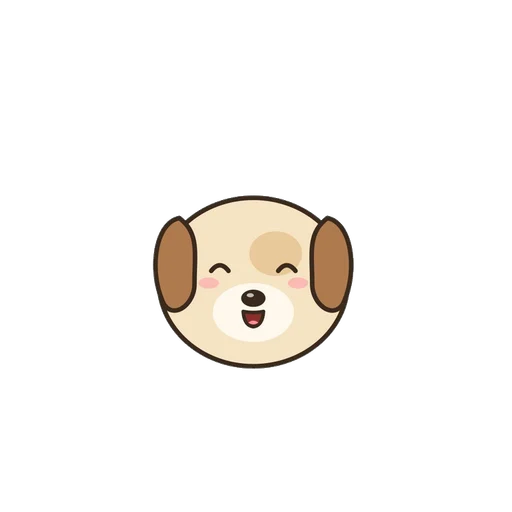 Background removed
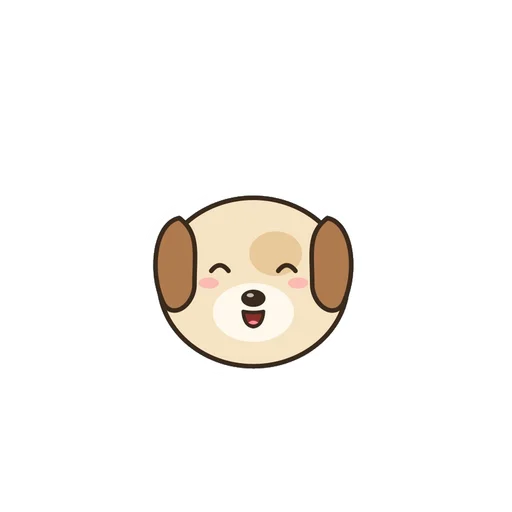 Finished sticker
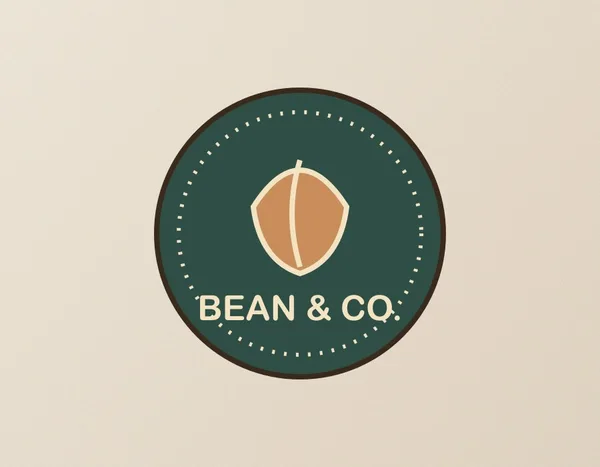 Original
 Background removed
 Finished sticker
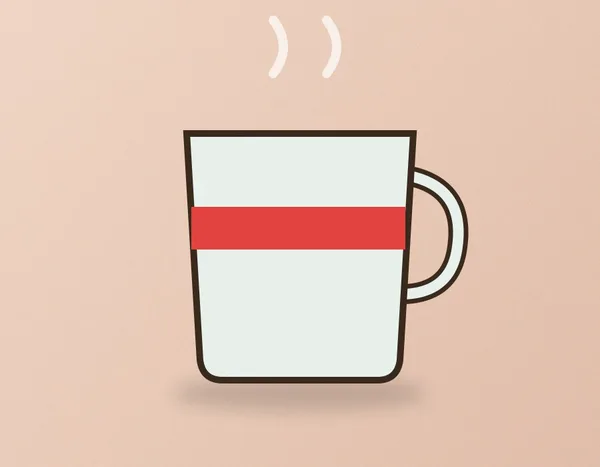 Original
 Background removed
 Finished sticker
Any image can be converted, but the format decides how much work the tool has to do and how clean the edge ends up. Here is what each common format does when it goes through the converter, and the settings that suit it.
A quick format table
| Input | Background removal | Typical problem | Setting to try first |
|---|---|---|---|
| PNG with transparency | Not needed | None | Removal off, outline 12 |
| PNG with solid background | Works well | None | Removal on, tolerance 30 |
| JPG photo | Works on plain backgrounds | Halo around edges | Tolerance 34, outline 10 |
| WebP | Same as PNG | Older browsers may not open it | Save as PNG first |
| Screenshot | Works best of all | Status bars, UI chrome | Crop before uploading |
| GIF | First frame only | Animation is lost | Convert a still frame |
Why JPG needs a different setting
JPEG compresses by throwing away information, and it throws away the most around hard edges. That means the boundary between a subject and its background is never a clean line in a JPEG, it is a two or three pixel gradient of in-between colours. The flood fill has to decide where that gradient ends, and the tolerance slider is that decision.
In practice: give JPEGs a slightly higher tolerance than a PNG of the same picture, and a slightly thinner outline. The higher tolerance lets the fill push through the noisy boundary, and the thinner outline keeps the total edge from looking soft and smeared at 320 pixels.
The image-to-sticker path for logos and emoji
Logos, exported emoji and product renders usually arrive as PNG with a transparent background already. Converting those is a one step job: leave background removal off, set an outline width that matches the surrounding UI, pick the size and download. Turning removal on for these images is usually a mistake, because a transparent pixel has no colour for the fill to match and the result can be unpredictable around the logo's own cut-outs.
Turning any picture into a set
Sticker packs look like sets because every sticker in them shares a border width, a canvas size and a margin. The tool applies one set of values to every picture in the batch for exactly this reason. Add up to 24 images, set the outline once, download the ZIP, and the pack already looks consistent before you open it in the app.
Compatibility notes
The converter runs in modern browsers on desktop and mobile. Images are read with the browser's own decoders, so anything your browser can display can be converted. If a file refuses to load, it is almost always an unsupported format or a corrupted download rather than a tool problem: re-save it as PNG and try again.
- Photo to sticker converter
- PNG to sticker
- JPG to sticker
- Transparent sticker maker
- Sticker cropper
- Turn a photo into a sticker
Questions
Can I convert a PDF or a Word document?
No. The tool converts images only. Export a page or a picture from the document first, then upload the image.
Does converting lossy formats make the sticker worse?
It keeps whatever quality the input had. A JPEG will not become sharper by being converted, and it will pick up a little softness at the edges from the cut. Starting from a PNG of the same picture always produces a cleaner sticker.
Will the file work on an older Android phone?
Yes if the browser is reasonably current. Background removal and the export both use standard canvas features, which have shipped in mobile browsers for years. Very old devices may be slow on large photos; resizing the picture before upload solves that.