Converter
Photo to sticker converter
A converter built for awkward images: pale backgrounds, screenshots, logos, PNG with and without transparency. Pick a target app and get a square PNG back.
Your sticker shows up here
Add a photo to start.
What the results look like
Three sample images run through this tool with the settings shown. They are illustrations on photo-like backgrounds, processed by the same code that runs on this page.
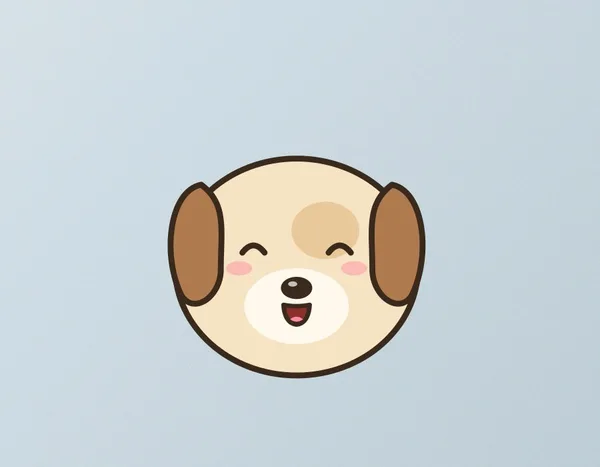 Original
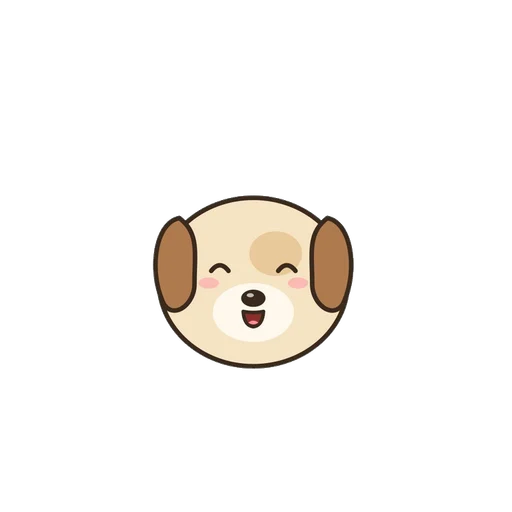 Background removed
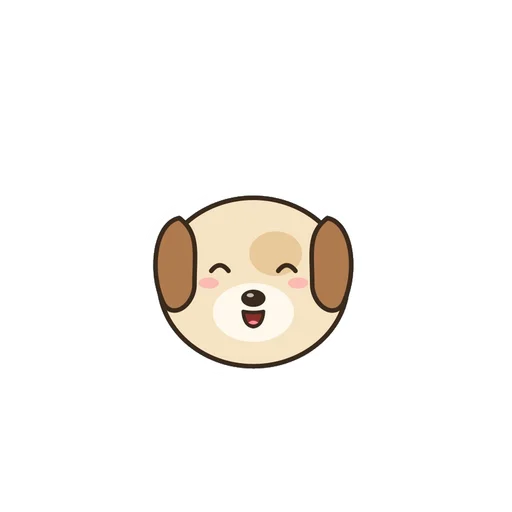 Finished sticker
 Original
 Background removed
 Finished sticker
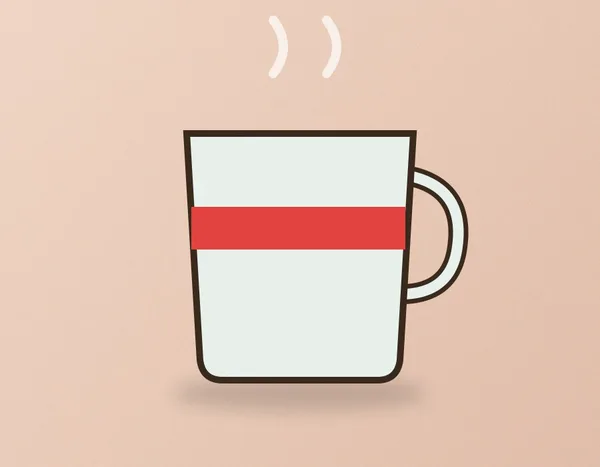 Original
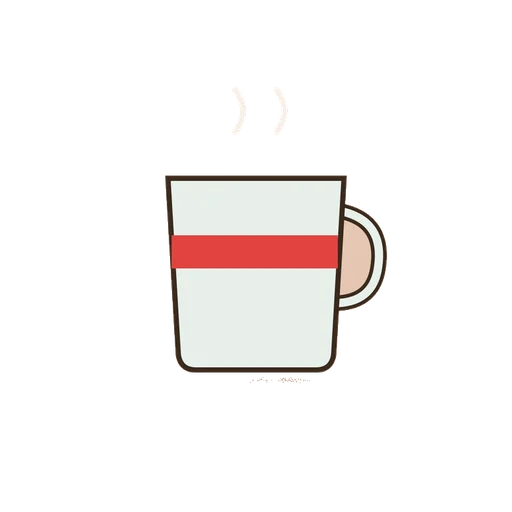 Background removed
 Finished sticker
A sticker converter does one narrow job: take a picture and hand back a square, transparent, outlined PNG. That is the whole promise. Everything else on this page is about the cases where that promise is hard to keep, and what to do about them.
Conversion happens in three passes. First the picture is scaled down to a working size so the heavy pixel work stays fast. Then the background is cleared by walking inward from the four edges and stopping where the colour stops matching. Last, the outline pass grows the visible shape by a few pixels and fills that grown ring with white, and the result is centred on a square canvas with a small safety margin.
What the converter can and cannot fix
| Situation | What happens |
|---|---|
| Subject on a plain wall, paper or sky | Clean cut, usually on the first try |
| Subject on a busy street or a bookshelf | Background mostly survives; raise tolerance or turn removal off |
| Screenshot or logo that is already transparent | Skip removal entirely; use the outline pass |
| Hair, fur, thin straps | Edges look eaten; a smaller outline hides most of it |
| Very large camera photo | Scaled down automatically; the export is always the app size |
| Animated GIF | Only the first frame is used |
The tool never guesses what the subject is. It has no idea that a photo contains a person, and it will happily treat a pale wall and a pale shirt as the same colour if they really are that close. That is a limit of working locally without uploading anything, and it is why the tolerance slider exists: you decide how aggressive the cut should be, not an algorithm behind a queue.
When to use this page instead of the homepage
They share the same engine, so use whichever phrasing you landed on. This page is written for people who already have an image and want it converted, including the awkward formats. If you are starting from nothing and want to draw a sticker, the emoji maker is the closer fit; if you want to line up several pictures into one pack, go back to the main sticker maker, where the batch ZIP lives.
Format notes that save time
- PNG in is the best case, because a transparent PNG needs no removal at all. This is the route for logos, emoji exports and screenshots.
- JPG in is the worst case for edges, because every sharp boundary in a JPEG is surrounded by compression noise. Give it a slightly higher tolerance and a slightly thinner outline.
- WebP in behaves like PNG in most browsers. If your browser is very old and the picture will not load at all, save it as PNG first.
- Images pasted from a chat app are often already compressed and cropped by that app. They work, but starting from the original file gives cleaner edges.
What you get out
Every export is a square PNG with a transparent background, sized for one of six targets, ready to upload in the app's sticker or emoji picker. Nothing is watermarked, nothing expires, and no account is created. The file is built on your device, so the download starts the moment the conversion finishes rather than after a round trip to a server.
Related converters
- Make a sticker from a photo
- Turn a photo into a sticker
- Convert an image to a sticker
- PNG to sticker and JPG to sticker
- Transparent sticker maker
Questions about converting
Is there a file size limit?
There is no upload limit because nothing is uploaded. Very large photos are scaled down before processing so the browser stays responsive, and the export is always the size you picked for the target app.
Does the converter keep the original colours?
Yes. Pixels are copied as they are; the only changes are the cleared background, the added outline and the resize. There is no colour grading, no AI redraw and no compression beyond what the chosen format applies.
Can I convert several pictures to the same settings?
Yes. Add up to 24 pictures on the main sticker maker page, choose the target and download the whole set as a ZIP. All of them use the same tolerance, outline and size, which is what keeps a pack looking like a pack.