WhatsApp sticker maker
WhatsApp can turn one image into a sticker; a full pack goes in through a sticker app. Here is the 512 pixel WebP image both expect, and the three ways an install usually fails.
Your sticker shows up here
Add a photo to start.
What the results look like
Three sample images run through this tool with the settings shown. They are illustrations on photo-like backgrounds, processed by the same code that runs on this page.
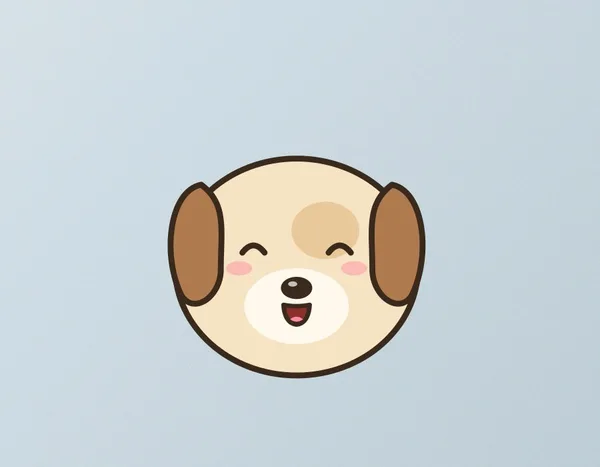 Original
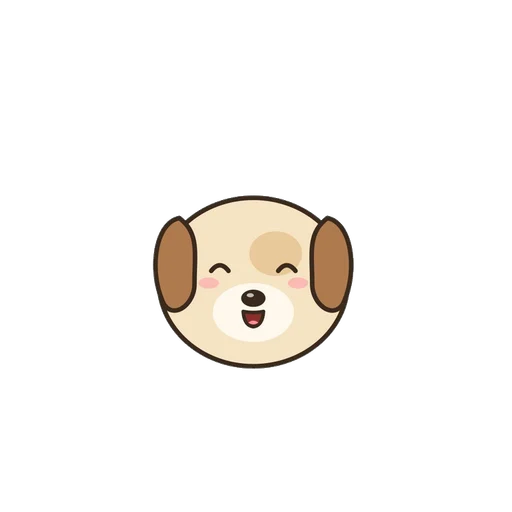 Background removed
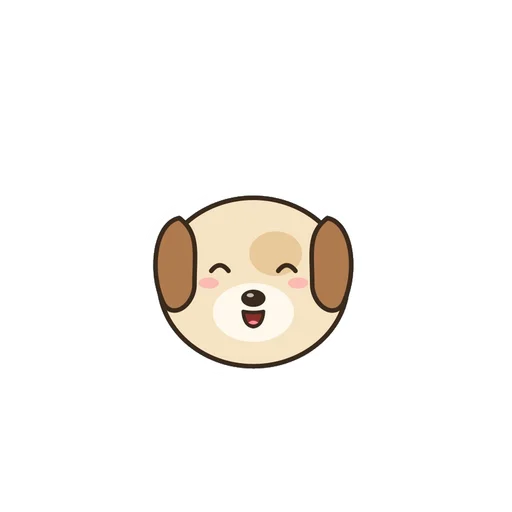 Finished sticker
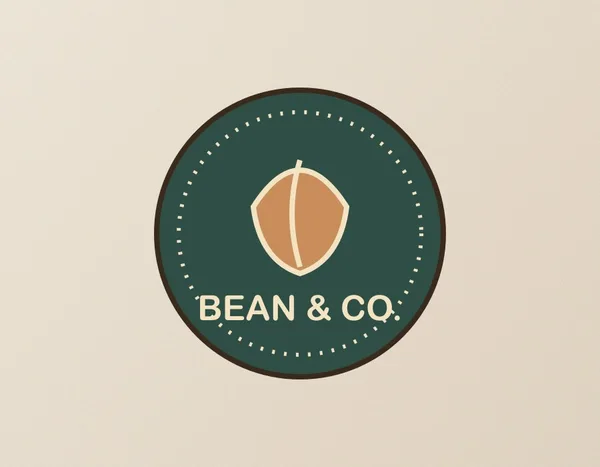 Original
 Background removed
 Finished sticker
 Original
 Background removed
 Finished sticker
WhatsApp stickers confuse people because there are two routes. WhatsApp can turn a single image into a sticker itself: in a chat, open the sticker tray, choose Create and pick the image. A whole named pack is different: a sticker app takes your images and installs them as one pack. Either way you need the image first, and that is the step this tool does.
What WhatsApp expects
A square image at 512 pixels, with a transparent background, and the file kept small. The preferred format is WebP; PNG sometimes works but WebP is the format sticker apps are built around.
When you pick WhatsApp from the size menu, the tool exports exactly that: a 512 pixel square, WebP where the browser can encode it, PNG otherwise. The outline is on by default because a WhatsApp sticker without a white edge vanishes against dark chat backgrounds.
The second step, briefly
Once you have the image, a sticker app imports it and creates a pack. The exact steps differ by app and by month, so this page will not pretend to be a tutorial for software it does not control. The general shape is always the same: choose "create a sticker pack", add the images, give the pack a name and an icon, then add it to WhatsApp. After that, the stickers appear in the sticker tray like any pack you downloaded.
The tool's job ends when the file is downloaded. Everything after that happens inside the sticker app.
WhatsApp is also testing stickers with sound, which you make from a video inside WhatsApp itself; the beta steps are in the WhatsApp audio sticker guide.
Making a pack rather than one sticker
Sticker packs look consistent because every sticker in them shares a border and a canvas. Use the batch mode: add up to 24 photos, set the outline once, download the ZIP. Every file inside is the same canvas size and the same border width, which is the difference between a pack that looks made and a pile of images that looks assembled from wherever.
Why the file size matters here more than elsewhere
WhatsApp is used on cheap phones on metered connections more than any other app on this site. Sticker apps enforce a small file limit, and a heavy PNG can fail to install with an unhelpful error. Exporting at 512 in WebP keeps the file tiny without visible quality loss, which is why it is the default for this target.
The common failures
The sticker app says the image is not transparent. The file was saved as JPG somewhere along the way. Re-download from this tool and move it to your phone without passing it through a viewer that re-saves. The image installs but shows a white square. The sticker app ignored the transparency because the file format was wrong. Use WebP. The pack installs but the stickers look blurry. The source photo was small. Start from the largest version you have.
Related
- Telegram sticker maker
- Discord sticker maker
- Transparent sticker maker
- PNG to sticker for logos and already-transparent files
- Photo to sticker converter
Questions
Can I add stickers to WhatsApp without another app?
Yes, one at a time: in a chat, open the sticker tray, choose Create and pick the image. Installing a whole named pack still goes through a sticker app that integrates with WhatsApp's sticker system.
Is WebP required or just preferred?
It is the format the sticker ecosystem is built around, so treat it as required. If your browser could not encode WebP, the tool falls back to PNG and the sticker app may or may not accept it.
How many stickers are in a pack?
A WhatsApp pack holds between 3 and 30 stickers. Make them all in one go with the batch mode so they share the same outline and canvas.