Image to emoji
Image to emoji
One image in, one transparent square PNG out. The short version: add, cut, pick a size, download.
Your sticker shows up here
Add a photo to start.
What the results look like
Three sample images run through this tool with the settings shown. They are illustrations on photo-like backgrounds, processed by the same code that runs on this page.
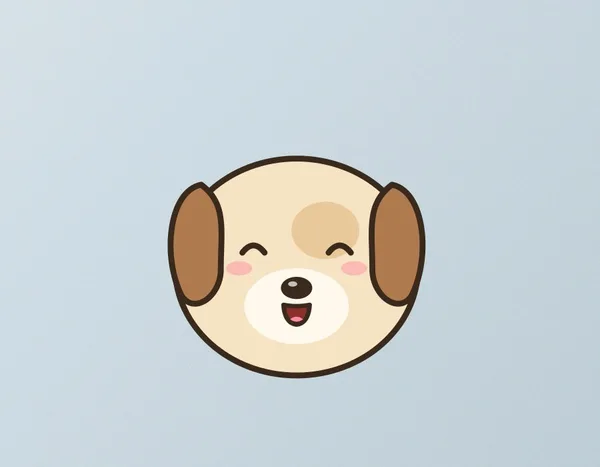 Original
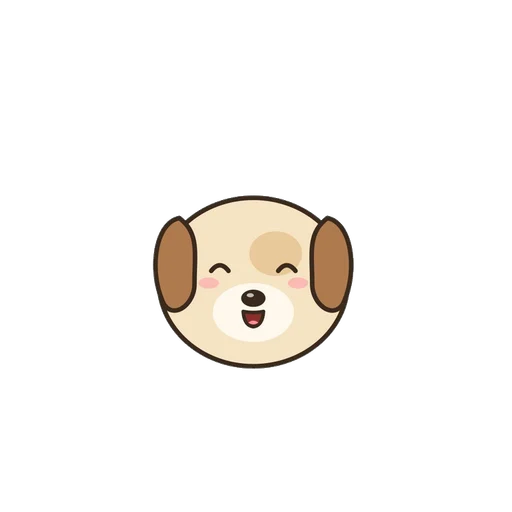 Background removed
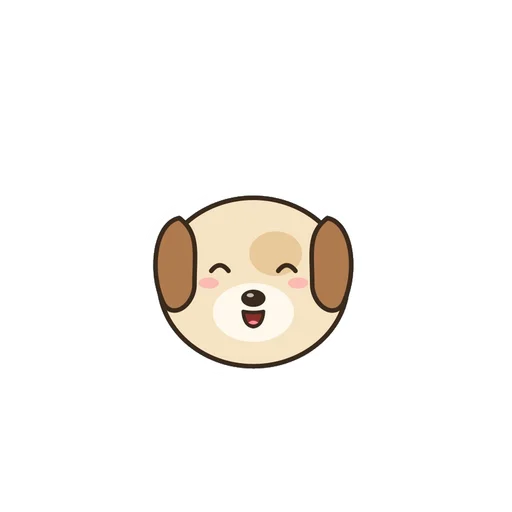 Finished sticker
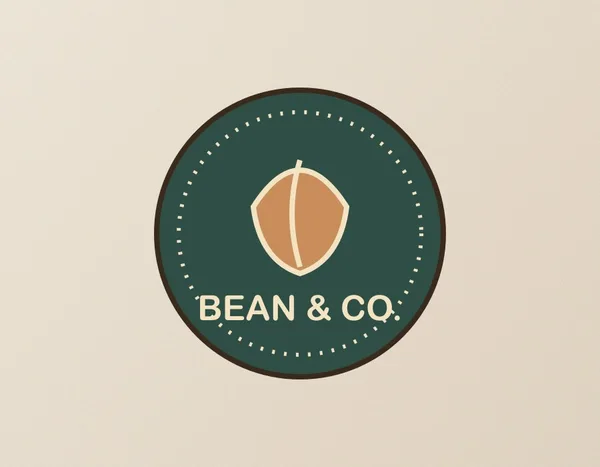 Original
 Background removed
 Finished sticker
 Original
 Background removed
 Finished sticker
This page is the plain version of the tool: one image in, one transparent square PNG out, no explanation of which app it is for. If you already know what you need, this is the shortest page on the site.
The sequence
- Add the image. Tap, drop or paste.
- Leave background removal on for flat backgrounds, turn it off for images that are already transparent.
- Pick a size. 128 for emoji, 320 for stickers on most platforms, 512 for the larger ones.
- Download.
The preview is the export. What you see is the file you get.
Which size to pick when you do not know
If the image is going to be used as a reaction inside a message, choose 128. If it is going into a sticker picker, choose 320 for the most compatible result, or 512 if the app in question asks for it. When in doubt, 512 downscales cleanly to both of the smaller sizes, while a 128 pixel file cannot be scaled up.
What gets lost in conversion
Nothing except the background, which you asked to remove, and a little sharpness from the downscale. Colours are not touched, the aspect ratio is preserved, and there is no AI redraw. The output is your image, cut out, bordered and squared.
What gets added
A white ring around the visible shape, sized by the outline slider, and a margin around the ring so it never touches the canvas edge. Set the outline to zero if you want a pure cut out.
If the result is not what you expected
Almost every disappointing result is one of four things: the subject was too small in the original, the background was not flat enough for the fill, the outline was too thin or too thick for the canvas size, or the source file had already been compressed by a chat app. The other pages on this site go through each of those in detail; this one exists for the case where none of that matters and you just need the file.
More detail, when you want it
- Emoji maker for 128 pixel output
- Slack emoji maker for workspace emoji
- Emote maker for stream overlays
- PNG to sticker and JPG to sticker for format specific advice
- Photo to sticker converter for the full walkthrough
Questions
Is there a difference between this page and the homepage?
No. Same tool, same settings. This page exists because people search for the conversion by name rather than for a sticker maker.
Can I convert several images at once?
Yes, up to 24 in one batch, with one shared set of settings and a ZIP download.
Is anything stored after I close the tab?
No. The images live in the page's memory and are gone when the tab closes. There is no account, no history and no server copy.