Free sticker pack · 8 stickers
Birthday stickers
Party hats, a cake with a candle, balloons and confetti. Eight free birthday stickers for WhatsApp, Telegram and Discord.
Tap any sticker to save just that one.
A birthday message gets lost when forty people post "happy birthday!" in the same group. A sticker stands out in that wall of text, and choosing the right one shows a little more thought than copying the message above yours.
What is in the pack
- Happy Bday: hamster in a party hat with a cake
- HBD!: star-eyed cat in a party hat
- A puppy in a party hat with balloons
- Make a wish: bunny blowing out a candle
- A heart-eyed bear in a party hat with a present
- Party!: laughing duck with confetti
- Cheers: penguin in a party hat
- Yay!: star-eyed dinosaur with confetti
Picking the right one
Happy Bday is the all-rounder for group chats. Make a wish is softer, good for family and partners. Party! and Yay! suit friends who'll actually be celebrating. For coworkers, HBD! is short enough to feel natural in a work channel.
Late birthday wishes
Forgot the date? A cheerful sticker the next day is better than silence. Pair Cheers with a short "belated happy birthday" and nobody minds.
Their face on the cake
The most memorable birthday sticker is one of the birthday person. Take a photo where they're clearly visible on a plain background and turn it into a sticker with the photo to sticker maker.
How to add the stickers to your app
Pick your app in the menu above, then download the whole pack as a ZIP or tap single stickers. Every file is converted in your browser to the size that app expects.
The WhatsApp download gives you eight 512 × 512 WebP files and a 96 × 96 tray icon. To use one sticker, open a chat, go to the sticker tray and choose Create, then pick the saved image; it stays in your tray afterwards. To install all eight as one pack, import the files with a sticker-pack app. WhatsApp packs need between 3 and 30 stickers, so this pack fits as it is.
Telegram
Choose Telegram to get 512 × 512 PNG files. Open a chat with the official @Stickers bot, send /newpack, give the pack a name, then send each PNG as a file followed by an emoji that matches it. Finish with /publish and pick a short link name. The pack is then yours to share.
Discord
Choose Discord to get 320 × 320 PNG files, the exact size Discord asks for. In Server Settings, open Stickers and upload them one by one. You need permission to manage expressions on that server, and each server has a limited number of sticker slots that grows with Server Boosts.
Can I use them?
Yes, for your own chats, groups and servers. The artwork was drawn for Stikmi. Please don't resell the stickers or upload them to sticker stores as your own pack.
Questions about this pack
What does HBD mean?
HBD is short for "happy birthday". It is casual and quick, common in group chats and work channels.
Can I make a birthday sticker of my friend?
Yes. Use a photo where your friend stands against a plain background and run it through the photo to sticker maker on this site.
More free sticker packs
 Hamster stickers
 Cat stickers
 Dog stickers
 Dinosaur stickers
 Duck stickers
 Capybara stickers
 Frog stickers
 Bear stickers
 Bunny stickers
 Penguin stickers
 Thank you stickers
 Reaction stickers
 Sad stickers
 Christmas stickers
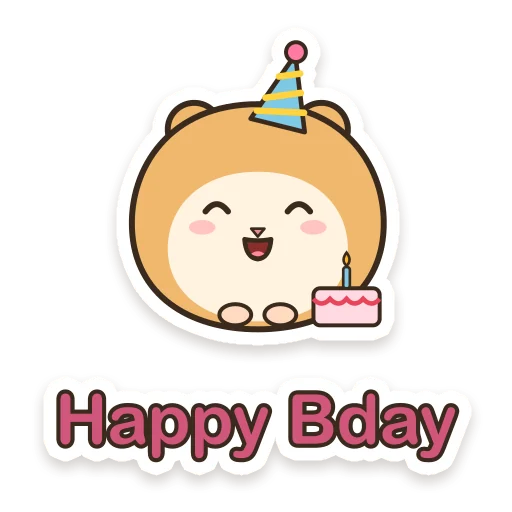 Birthday stickers
 Laughing stickers
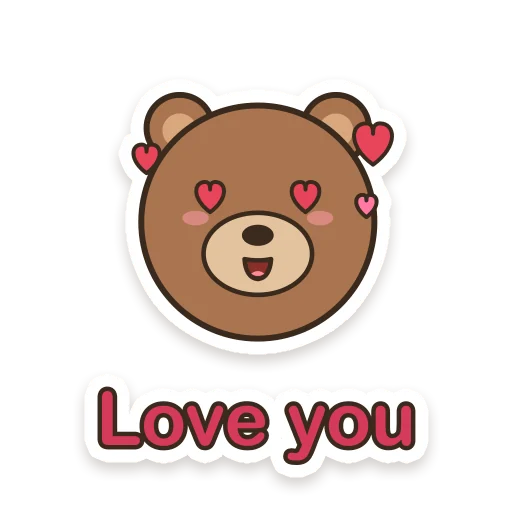 Love stickers
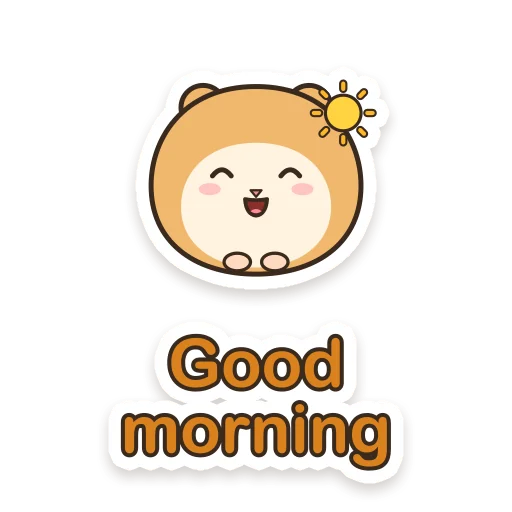 Good morning stickers
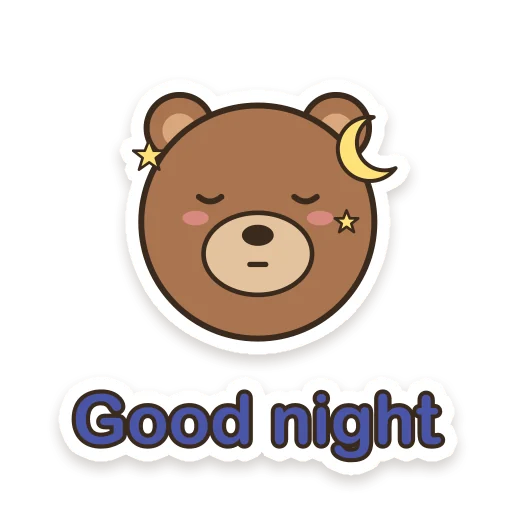 Good night stickers
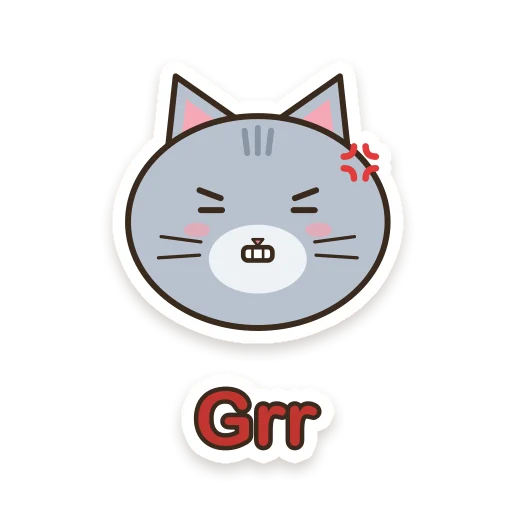 Angry stickers
Want a sticker of your own photo? Make one with the photo to sticker maker.